DDD 0.1.1 is on the PowerShell Gallery. It’s a small release: DDD now runs on more versions of PowerShell, works in VS Code’s terminal, and opens glTF scenes that include a camera.
If you haven’t seen what DDD can do yet, start with the 0.1.0 announcement. It covers meshes, lighting, file import/export, and charts, all drawn right in your terminal.
Works on PowerShell 7.4 and 7.5
DDD 0.1.0 needed PowerShell 7.6. When I tried it on a computer that ran the old 0.0.7 preview just fine, it wouldn’t load until I upgraded PowerShell.
A PowerShell module like DDD is built for a specific version of .NET, and it can only load in a PowerShell built on that .NET version or newer. 0.1.0 was built for .NET 10, and PowerShell 7.6 is the only version that uses .NET 10. 0.1.1 is built for .NET 8 instead, which PowerShell 7.4 uses:
| PowerShell | .NET | DDD 0.1.0 | DDD 0.1.1 |
|---|---|---|---|
| 7.6 | .NET 10 | Yes | Yes |
| 7.5 | .NET 9 | No | Yes |
| 7.4 | .NET 8 | No | Yes |
| 7.3 and older | .NET 7 and older | No | No |
I tested 0.1.1 on PowerShell 7.4, 7.5 and 7.6. If you try it on something older, you now get a clear message telling you PowerShell 7.4 is required, instead of a confusing error about loading a file.
Not sure which version you have? Run:
$PSVersionTable.PSVersion
To install or update PowerShell, see Installing PowerShell.
Works in VS Code’s Terminal
VS Code’s built-in terminal can draw sixel graphics, so you can run Out-3d right next to your code. It’s turned off by default. To turn it on:
- Open Settings (
Ctrl+,, orCmd+,on Mac). - Search for
terminal.integrated.enableImagesand check it. Or add this to yoursettings.json:"terminal.integrated.enableImages": true - Restart VS Code.
VS Code is now in the list of known-good terminals in the README, in DDD’s setup script, and in the error message Out-3d shows when your terminal can’t draw sixel.
glTF Scenes With a Camera Now Open in Out-3d
In 0.1.0, if a .glb file had a camera in it, piping it to Out-3d failed with “Invalid data type for Out-3d.” The 0.1.0 post worked around it by filtering the camera out with Where-Object.
Now Out-3d skips cameras, so you can pipe a whole scene straight in:
$teapot = New-Teapot
$light  = New-Light  -Position (New-Point 3 3 3)
$camera = New-Camera -Position (New-Point 0 2 6) -LookAt (New-Point 0 0 0)
$teapot, $light, $camera | Export-Gltf -Path ./scene.glb

Import-Gltf -Path ./scene.glb | Out-3d -RenderMode Solid
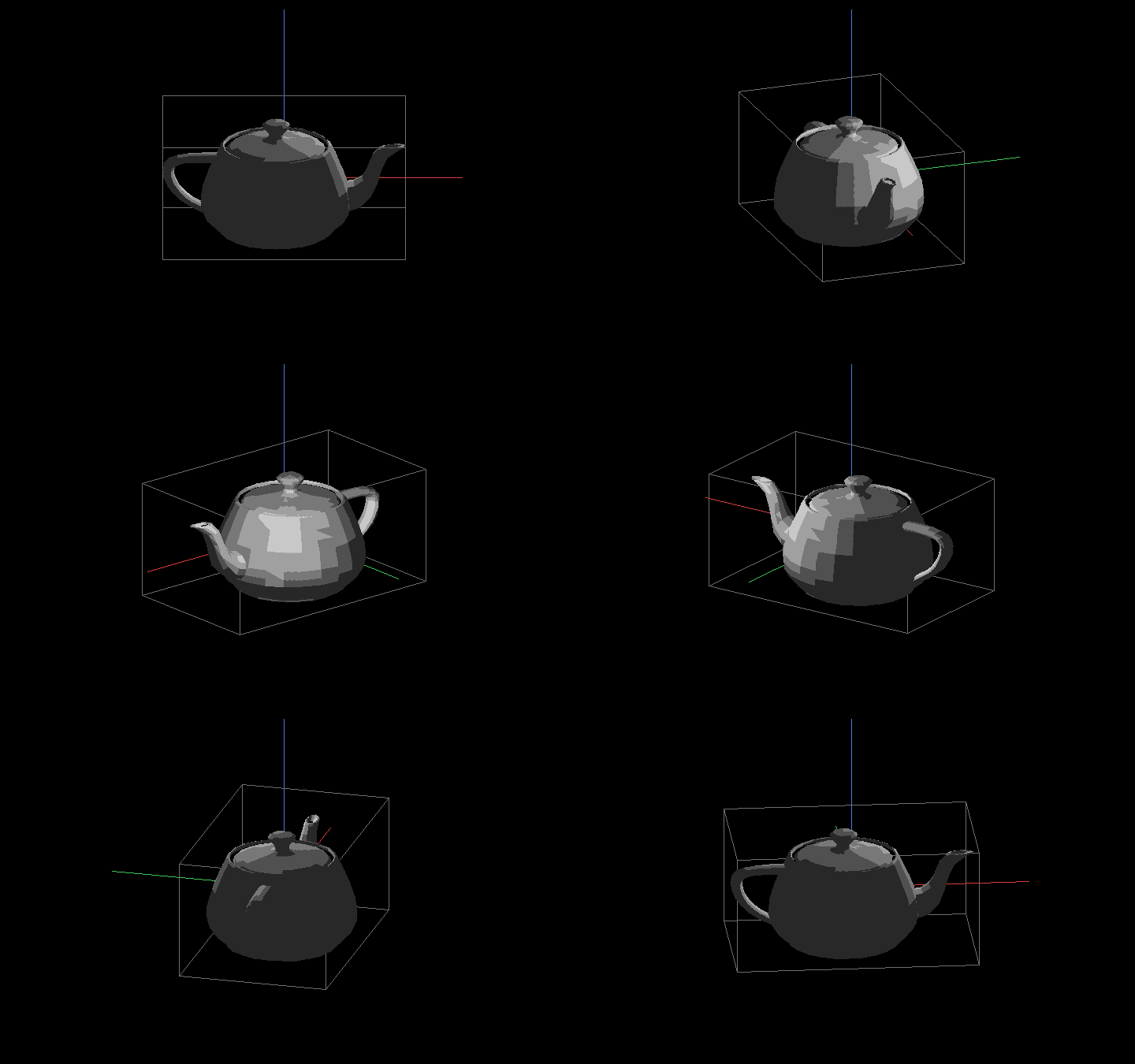
Out-3d doesn’t view the scene from the saved camera yet. It still uses its own auto-rotating view. Using the camera is on the list for a future release.
Updating
If you already have DDD:
Update-Module DDD
If you’re new to DDD:
Install-Module DDD -Repository PSGallery
Import-Module DDD
New-Teapot | Out-3d -RenderMode Solid
You’ll also need a terminal that can draw sixel graphics, such as Windows Terminal, VS Code, WezTerm or iTerm2. The 0.1.0 post has the full list.
Source Code
The source code for DDD is on GitHub: https://github.com/lenihan/DDD
Feedback
If DDD doesn’t work on your computer, I want to hear about it. Post in the comments or email me: me@davidlenihan.com.